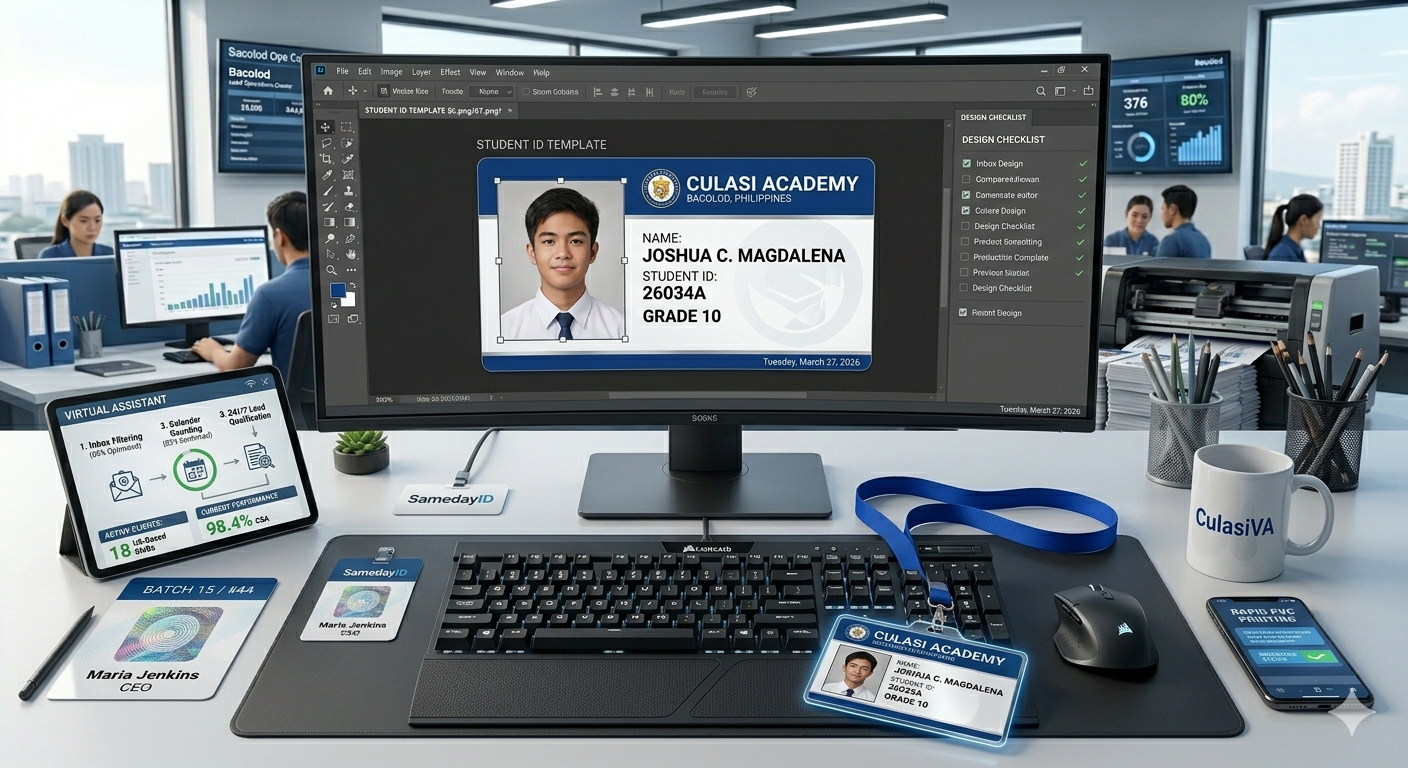
The Importance of Professional ID Design
In 2026, an ID card is more than just a name tag. It is a key to your building, a brand statement, and a security tool. A poorly designed card is easy to forge and hard to read. A well-designed PVC card, however, provides instant credibility.
When you understand how to design PVC ID cards correctly, you reduce the need for frequent emergency ID badge replacement because the cards are intuitive, durable, and difficult to duplicate.
Step 1: Choose Your Layout (Vertical vs. Horizontal)
Horizontal: Best for simple staff IDs where the name and title need to be prominent.
Vertical: Ideal for student IDs or "Access Only" badges where barcodes or magnetic stripes are swiped frequently.
Step 2: Essential Design Elements
To ensure your rapid PVC printing results in a high-quality product, your design must include:
High-Resolution Photos: Use a white or light blue background. Blurred photos are the #1 reason for security failures.
Clear Typography: Use sans-serif fonts (like Arial or Helvetica) for readability at a distance.
Branding: Include a high-resolution logo and your organization's primary colors.
Security Features: Add "Ghost Photos" (a faint second image) or holographic overlays to prevent tampering.
Step 3: Preparing for Rapid PVC Printing
Once your design is ready, you need a partner who can handle the speed of your business. Standard printers take weeks. At SamedayID, we specialize in rapid PVC printing, turning your digital designs into physical 30-mil plastic cards in as little as 24 hours.
When Disaster Strikes: Emergency ID Badge Replacement
Lost badges are a security nightmare. If a staff member loses their access card, you can't wait 10 business days for a replacement. Our emergency ID badge replacement service allows you to upload your saved design and have a new, secure PVC card printed and shipped immediately.
Design Checklist for Staff & Students
| Feature | Staff ID Requirements | Student ID Requirements |
| Photo Size | Large, centered | Medium, off-center |
| Department/Grade | Required | Required |
| Access Chip | Recommended (RFID) | Optional |
| Expiration Date | Usually 3-5 years | Yearly color-coding |
| Barcode/QR | Back of card | Front of card (for scanning) |
Featured Snippet FAQ
Q: What is the best software for designing PVC ID cards?
A: You don't need expensive enterprise software. Most modern rapid PVC printing services allow you to use Canva, Adobe Express, or even specialized online ID makers that provide 30-mil PVC-ready templates.
Q: Can I print my own PVC cards at home?
A: While "DIY" kits exist, they often result in fading and peeling. For a professional, durable finish that includes security features, it is more cost-effective to use bulk PVC card printing services that utilize industrial retransfer technology.
Q: How fast is emergency ID badge replacement?
A: At SamedayID, "Emergency" means same-day. If you submit your design before the cutoff, your replacement badge is printed and dispatched the same day.
Q: What is "Rapid PVC Printing"?
A: This refers to a high-speed industrial process that uses heat-transfer to bond ink to a plastic card instantly. It allows for high-volume bulk orders to be completed in a fraction of the time of traditional print shops.
Conclusion: Design Once, Protect Forever
Knowing how to design PVC ID cards is a vital skill for any administrator. By focusing on clarity and security, you create a safer environment for your team or students. And when life happens, remember that emergency ID badge replacement is only a click away.